
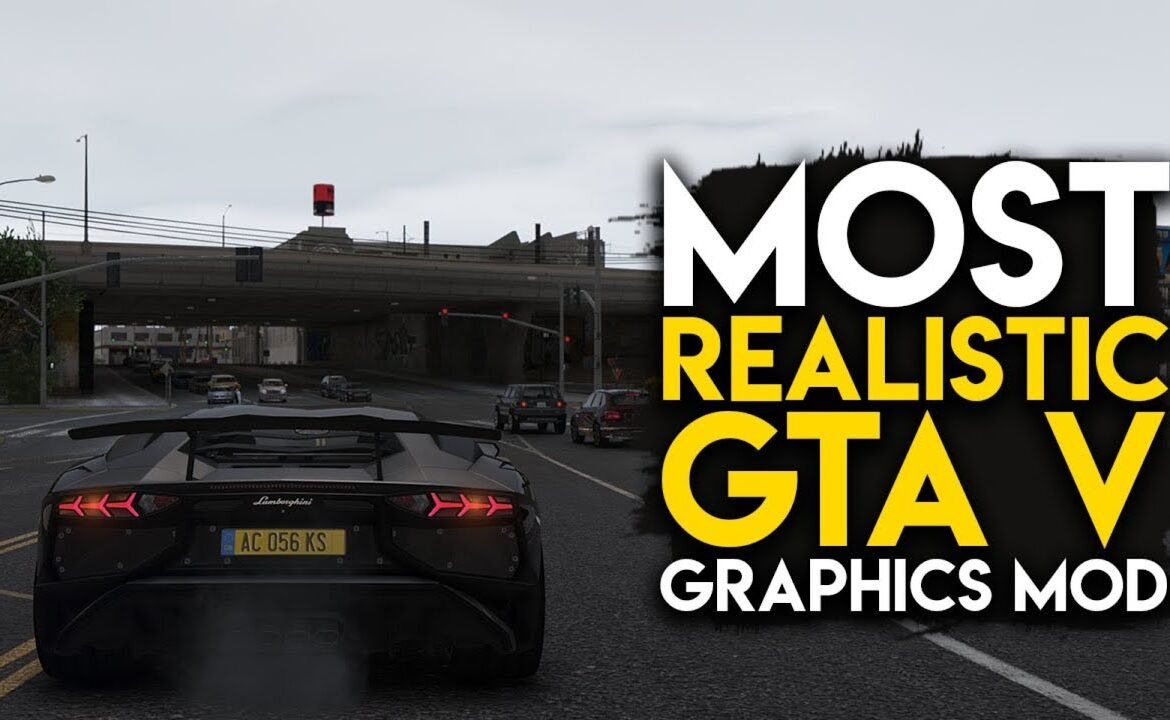
How to Make a Graphics Mod in GTA 5 for Realistic Gameplay
How to Make a Graphics Mod in GTA 5 Without Breaking the Game
If you want to know how to make a graphics mod for GTA 5, you’re already one step ahead of the vast majority of players. For many players who install pre-made presets, there is no clear understanding of what they are changing and why some end up looking unrealistic. If you’ve made your own graphics mod then it’s all on your own terms, the lighting and color balance – but also the atmosphere, as much as the performance.
This guide is written to assist you in constructing a graphics mod correctly. You won’t just be copy pasting things, you will learn how GTA 5 deals with visuals on the inside and how to manipulate them in a way that seems natural when actually playing the game and not only taking screenshots.
How GTA 5 Graphics Actually Work
The visual design of GTA 5 uses multiple systems which work together to create its final appearance. The separate elements of lighting, weather, exposure, reflections, and post-processing effects work together to create real-time visual output.This is why changing a single file often creates unexpected results.
The goal of a good graphics mod is balance. Light should behave naturally across different times of day. Weather should affect mood without destroying visibility. Colors should feel grounded instead of exaggerated.
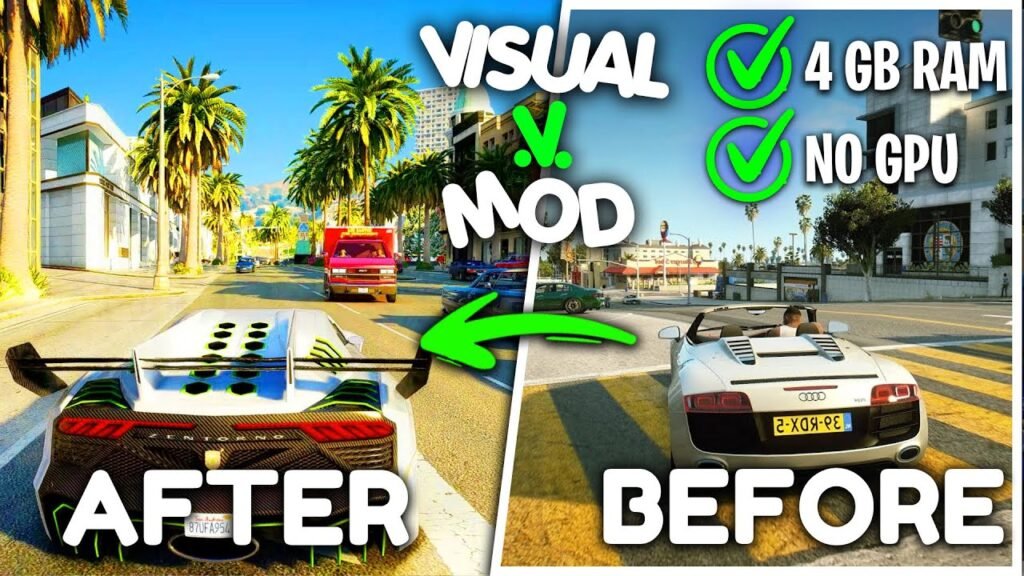
GTA 5 Graphics Mod Core Files Explained
The GTA 5 graphics mod requires users to install new visual configuration files which will replace the default settings established by Rockstar Games. The game uses these files to determine how it will display light and shadows and sky colors and environmental effects.
Important visual elements affected by these files include:
- Global and ambient lighting
- Sun intensity and direction
- Shadow depth and softness
- Atmospheric fog and haze
- Reflection strength on surfaces
Editing these elements together is what separates a realistic mod from an overdone one.
Lighting and Timecycle Control
The timecycle files control all lighting changes which occur during different times of the day. The sunrise and sunset and nighttime scenes all show significant enhancements from even minor changes. The solution requires transitional movement which need both smooth and direct handling of brightness levels.
Tools Needed to Build a Graphics Mod
To work safely, you need the right tools. OpenIV is essential because it allows you to use a mods folder, which protects the original game files. A clean text editor helps prevent errors when editing configuration files. CodeWalker is useful for previewing lighting changes before testing them in-game.
Optional tools like ReShade can be added later, but they should never be used to fix broken lighting.
The Correct Way to Start Mod Creation
Always begin by copying visual files into the mods folder. Never edit base files directly. Once copied, lighting should be adjusted first. Color grading comes later.
A common mistake is increasing saturation or contrast before fixing lighting. If lighting is incorrect, no color correction will look right.
GTA 5 Graphics Mods vs Custom Builds
Many gta 5 players are already using mods due to the inability to put on some of them. Since these mods are generally made to make it look visually distinct, it comes with the drawback of making everything either too bright (or not at all), heavily allowing bloom to get out of control, or would create excessive colours. Consistent Graphic Mods Since then its been all about consistency with custom graphic mods. They are tested in different weather, locations and times. They are time consuming to develop, but provide richer experiences.
Advanced Graphics GTA 5 Techniques
And once your base graphics setup is stable, you can step into the world of advanced graphics gta 5 settings. These approaches enhance the realism without adding visual noise.
Exposure and Shadow Refinement
Top-tier tuning means also being able to manipulate exposure so that highlights don’t blow out and the darks are legible. Shadows are to be soft and natural looking, not harsh or razor-edged.
GTA 5 Enhanced Graphics Mod Approach
A gta 5 enhanced graphics mod is not about dramatic changes. It improves realism while respecting the original art style of the game.
Enhanced visuals focus on:
- Natural color tones
- Realistic night lighting
- Balanced skies and clouds
- Subtle atmospheric depth
If the world feels believable during long play sessions, the mod is working correctly.
Handling GTA 5 Update Graphics Safely
Game updates often modify visual files. When dealing with gta 5 update graphics, always keep backups of your modded files and compare them with updated originals.
Safe Update Practices
Reapply changes gradually instead of overwriting files. Test visuals after each update to ensure stability and compatibility.
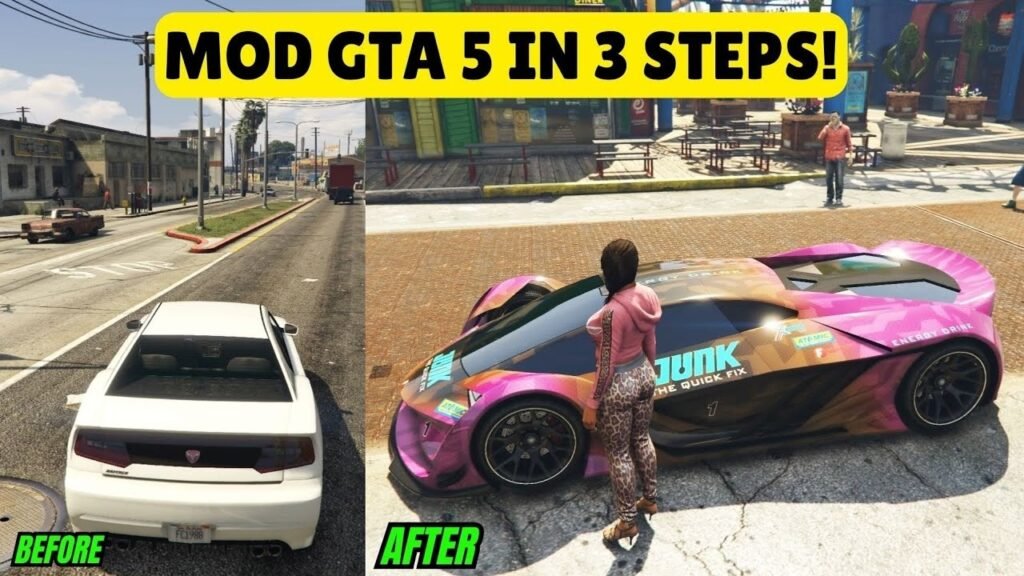
Performance and Stability Considerations
A graphics mod should not sacrifice performance. The three most common reasons for FPS loss in video games result from excessive shadow scaling and heavy bloom effects and aggressive post-processing methods.Testing should be done in busy city areas and rural locations and during bad weather. The stable mod demonstrates consistent performance across all environments instead of only functioning properly in perfect conditions.
Common Mistakes to Avoid
Many beginners make the same mistakes:
- Over-saturating colors
- Making nights too bright
- Ignoring weather differences
- Tuning visuals for one location only
Closing Overview
Learning how to create a graphics mod in GTA 5 is going to be a serious trial and error process. The best mods aren’t often the ones that are the most extreme. These are the ones that feel natural, sturdy and immersive in actual gameplay. But when it comes down to players not being able to see the graphic and just enjoying the world, you know what, that’s when I can say the mod is a good mod.
Common Questions Answered
Yes. GTA 5’s internal visual system is powerful enough to produce realistic results without external shaders
Graphics mods should only be used offline. Always keep a clean game version for online play.
A basic version can take a few days. A polished mod may take several weeks.
No. Well-balanced mods can improve visuals with minimal performance impact.
Yes. Regular backups and re-testing after updates are essential.